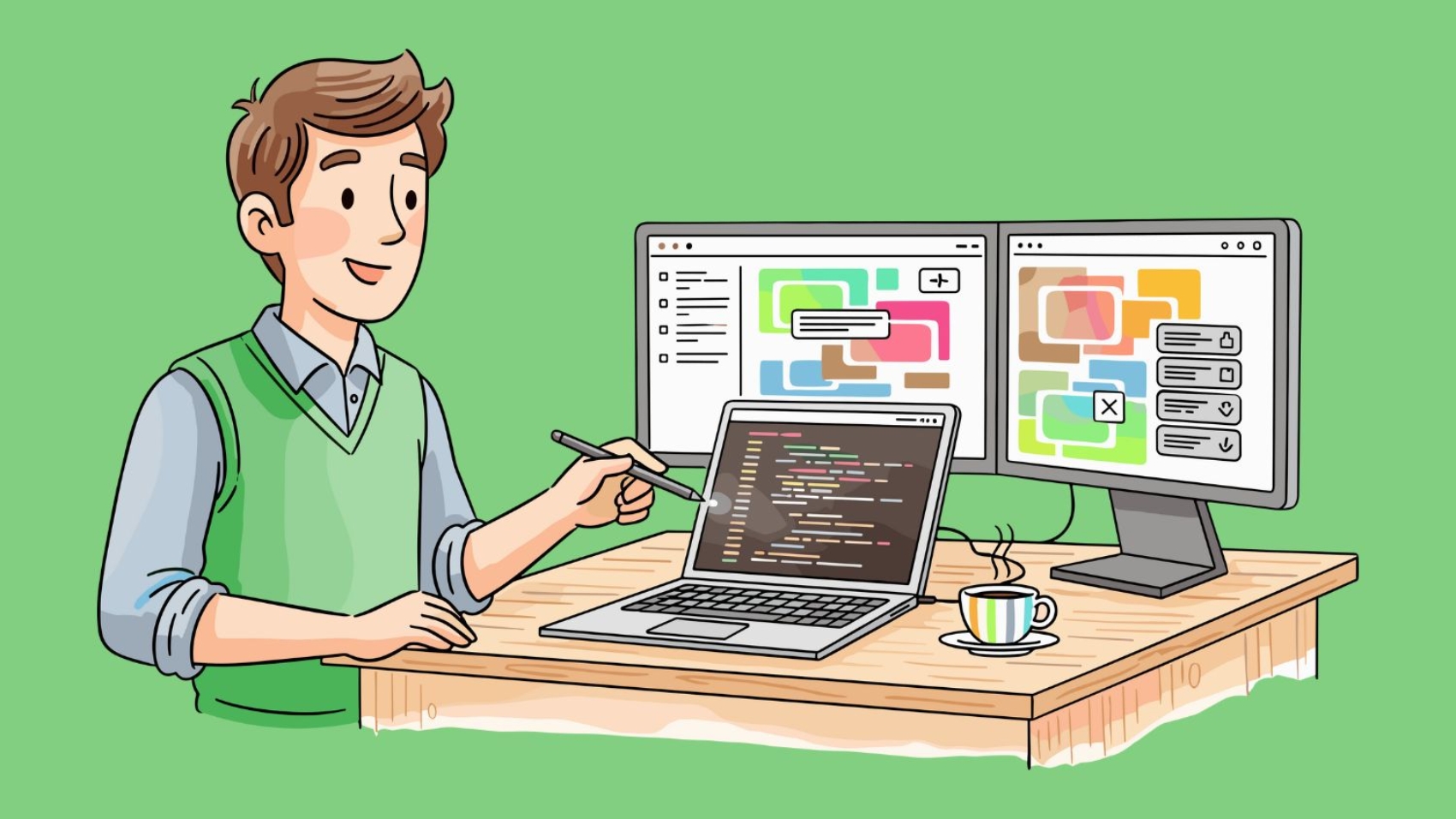
A programmer coding a business application, illustrating the professional Software Development process.

Custom Software Development Guide: How to Build Tools That Work for You?

Every business is unique. So, why use software built for everyone else?

Off-the-shelf software is like buying a suit off the rack. It might fit okay, but it’s never perfect. Custom software is like a tailored suit—made just for you.

In this Custom Software Development Guide, we will break down the process into simple steps. Whether you run a startup or a big company, this guide will help you understand how to build the right tech for your needs.

What is Custom Software?

Custom software is technology built for a specific user or organization.

Think about apps like Uber or Netflix. They didn’t buy their software; they built it. This allowed them to offer features that no one else had. Custom software helps you solve specific problems that ready-made tools can’t handle.

The Development Process (Step-by-Step)

Building software might sound complex, but it follows a logical path. Here is the standard roadmap:

1. Idea and Planning

First, you need a clear goal. What problem are you solving? Who will use this software? This stage involves listing your requirements and choosing the right features.

2. Designing the Look (UI/UX)

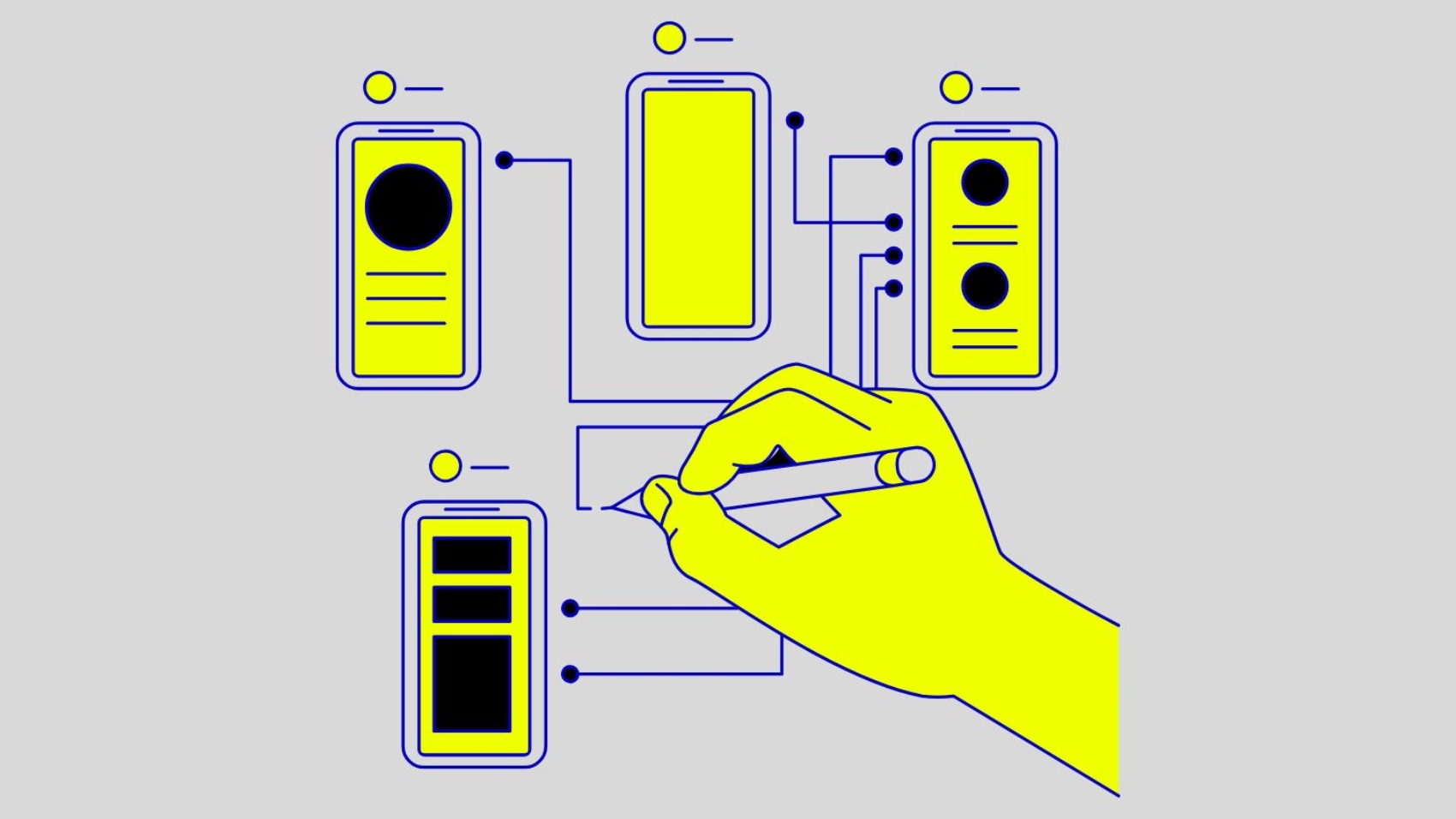
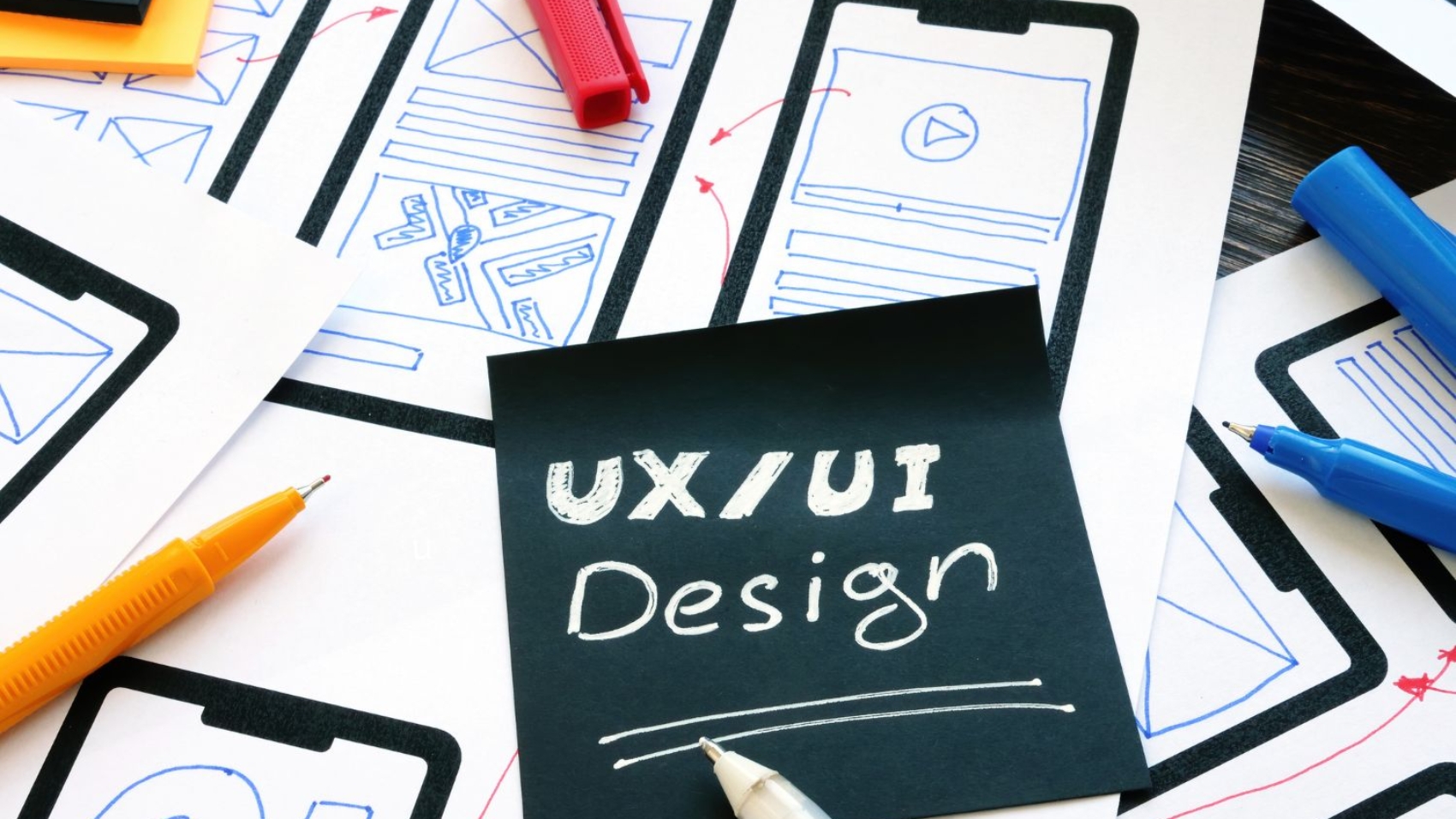
Before writing code, designers create a visual plan. They draw “wireframes” or sketches of what the app will look like. The goal is to make it easy and enjoyable to use.

3. Writing the Code

This is where the real work begins. Developers use languages like Python, Java, or React to build the software. They turn the design sketches into a working product.

4. Testing for Bugs

Nobody likes an app that crashes. In this phase, testers check every button and feature. They find and fix errors before the software goes live.

5. Launch and Maintenance

Once tested, the software is launched for users. But the work isn’t done. You need to keep it updated and secure over time.

Why Go Custom?

You might wonder, “Is it worth the effort?” Here is why smart businesses choose custom:

  • Perfect Fit: It does exactly what you need, nothing more, nothing less.
  • Scalability: As your business grows, you can easily add new features.
  • Security: Hackers often target popular public software. Custom code is unique and harder to break.
  • Ownership: You own the software. You don’t have to pay monthly fees forever.

H2: Conclusion

Building your own technology is a big step, but it pays off. By following this Custom Software Development Guide, you can create a tool that saves time, cuts costs, and helps you grow.

At Codexeo, we make this process easy. We handle the tech so you can focus on your business. Ready to build something great? Let’s talk.
A futuristic website interface displaying the Latest Web Development Trends like AI chat and dark mode.

Latest Web Development Trends in 2026 – What You Need to Know?

The internet changes fast. What was popular last year might be outdated today. If you want your business to stay ahead, you need to follow the Latest Web Development Trends.

A modern website is more than just a digital business card. It’s a tool that drives sales and builds trust. In this guide, we will explore the top trends that are shaping the web right now.

1. AI and Chatbots are Everywhere

Artificial Intelligence (AI) is no longer science fiction. It is the biggest trend in web development.

  • Smart Chatbots: Modern bots can talk like humans. They answer customer questions instantly, 24/7.
  • Personalization: AI can show visitors exactly what they want to see, based on their past behavior.

2. Voice Search Optimization

“Hey Siri, find a pizza shop near me.”

More people are using voice search than ever before. If your website isn’t optimized for voice, you are missing out. The Latest Web Development Trends focus on using natural, conversational language so voice assistants can easily read your site.

3. Dark Mode is a Must

Have you noticed that most apps now have a “Dark Mode”? Users love it because it saves battery and is easier on the eyes. Modern websites now offer a toggle switch so users can choose between light and dark themes.

4. Super Fast Loading Speeds

Nobody likes to wait. If your site takes more than 3 seconds to load, visitors will leave.

New technologies like Progressive Web Apps (PWAs) make websites load instantly, even with slow internet. This is crucial for keeping users engaged.

5. Mobile-First Design

For years, we designed for desktops first. Now, we design for mobile first. Google also ranks mobile-friendly sites higher. Your website must look and work perfectly on a small screen before anything else.

Conclusion

Staying updated with the Latest Web Development Trends is key to digital success. By adopting AI, voice search, and fast speeds, you can build a website that not only looks great but also performs exceptionally well.

Ready to upgrade your site? Codexeo is here to help you build the future.

A designer drawing a wireframe on a tablet, demonstrating UI UX Design Best Practices for a clean layout.

UI UX Design Best Practices: Creating Interfaces Users Love.

A pretty website is nice, but a usable website is profitable. That is the core of User Interface (UI) and User Experience (UX) design. If users can’t find what they need, they will leave.

To keep visitors engaged, you must follow proven UI UX Design Best Practices. In this guide, we share the top rules for creating designs that not only look good but also work perfectly.

1. Keep It Simple (KISS Principle)

The golden rule of design is simplicity. Don’t clutter the screen with too many buttons or text.

  • Focus on the goal: If the goal is to get a sign-up, make the “Sign Up” button the clearest thing on the page.
  • White Space: Use space to let the design breathe. It makes content easier to read.

2. Consistency is Key

Imagine if every door in your house opened differently. It would be confusing, right? The same applies to design.

  • Colors: Stick to your brand color palette.
  • Fonts: Use the same font styles for headings and body text across all pages.
  • Buttons: All “primary” buttons should look the same.

3. Mobile-First Approach

More people browse on phones than on computers. One of the critical UI UX Design Best Practices is to design for the smallest screen first. Ensure buttons are large enough to tap with a thumb and text is readable without zooming.

4. Visual Hierarchy

Guide the user’s eye. The most important elements should be the biggest or boldest.

  1. H1 Heading: Biggest (What is this page?)
  2. Subheading: Medium (Why should I care?)
  3. Body Text: Smallest (Details)

5. Fast Feedback

When a user clicks a button, something should happen immediately.

  • If it’s loading, show a spinner.
  • If there’s an error, show a red message explaining why.
    Users should never be left guessing if their action worked.

Conclusion

Following these UI UX Design Best Practices ensures your digital product is intuitive and effective. Good design builds trust, reduces frustration, and ultimately drives more sales.

At Codexeo, we design experiences, not just screens. Let us help you build a product your users will love.

A flowchart illustrating the 5 stages of the Mobile App Development Process from planning to launch.

Mobile App Development Process: A Step-by-Step Guide for Success.

Building a mobile app is an exciting journey. But without a plan, it can be confusing. Understanding the Mobile App Development Process is key to turning your idea into a reality.

Whether you want to build the next Uber or a simple business tool, following a structured path ensures you save time and money. In this guide, we break down the process into simple stages.

Stage 1: Strategy and Planning

Before writing any code, you need a map. Ask yourself:

  • Goal: What problem does this app solve?
  • Audience: Who will use it? (Teens, professionals, shoppers?)
  • Platform: Will it be on iPhone (iOS), Android, or both?

This stage is about defining what you are building and why.

Stage 2: UI/UX Design

Now, we visualize the app. This part of the Mobile App Development Process focuses on how the app looks and feels.

  • Wireframes: Simple sketches of the app’s layout.
  • Prototypes: A clickable model to test the flow.

Good design makes sure users can navigate your app easily without getting frustrated.

Stage 3: App Development

This is the “building” phase. Developers write the code that makes the app work.

  • Frontend: The part users see (buttons, images).
  • Backend: The server side that stores data (user accounts, passwords).
  • API Integration: Connecting your app to other services (like Google Maps or PayPal).

Stage 4: Testing

You don’t want to launch an app that crashes. Testing is crucial.

  • Functional Testing: Does every feature work?
  • Performance Testing: Is the app fast?
  • Device Testing: Does it look good on different screen sizes?

Stage 5: Deployment & Support

Congratulations! It’s time to launch. You submit your app to the Apple App Store and Google Play Store.

But the Mobile App Development Process doesn’t end here. You need to monitor user feedback and release updates to fix bugs and add new features.

Conclusion

Building an app is a process, not a one-time event. By following these steps, you can create a high-quality product that users love. At Codexeo, we guide you through every stage, ensuring your app is a success from day one.

A business dashboard displaying sales growth charts, illustrating the power of Data Analytics For Business Growth.

Data Analytics For Business Growth 2026 – Making Smarter Decisions.

Do you make business decisions based on facts or feelings? If you rely on gut instinct, you are taking a big risk. Successful companies today use data to guide their every move.

Data Analytics for Business Growth is about turning the massive amount of information you collect into a clear roadmap for success. It helps you understand your customers, fix problems, and predict the future.

H2: What is Business Data Analytics?

Simply put, it is the process of examining data sets to find trends and draw conclusions.

  • Raw Data: Numbers in a spreadsheet (e.g., sales figures).
  • Analytics: Understanding why sales dropped last month and how to fix it.

H2: How Data Drives Growth

Using analytics isn’t just for tech giants like Google or Amazon. Small businesses can benefit too. Here is how:

H3: 1. Understanding Your Customers

Data tells you who your customers are.

  • What do they buy?
  • When do they shop?
  • Which marketing emails do they open?
    By knowing this, you can offer them exactly what they want, boosting sales.

H3: 2. Improving Efficiency

Analytics can show you where you are wasting money. Maybe a specific product costs too much to ship, or a marketing campaign isn’t working. Data highlights these leaks so you can plug them.

H3: 3. Predicting Trends

Imagine knowing what will sell next month before it happens. Predictive analytics uses past data to forecast future demand, helping you stock the right inventory.

H2: Key Metrics to Track

To get started with Data Analytics for Business Growth, focus on these simple metrics:

  1. Customer Acquisition Cost (CAC): How much you spend to get a new customer.
  2. Churn Rate: The percentage of customers who stop buying from you.
  3. Revenue Growth: Is your income going up or down compared to last year?

H2: Conclusion

Data is the new oil, but you need an engine to use it. That engine is analytics. By embracing Data Analytics for Business Growth, you stop guessing and start winning.

At Codexeo, we help businesses visualize their data and find hidden opportunities. Let’s turn your numbers into profit.

A developer working on Enterprise WordPress Solutions, ensuring security and scalability for a large corporate website.

Enterprise WordPress Solutions 2026 – Scalability and Security for Big Business.

When you think of WordPress, you might think of small blogs. But did you know that huge brands like The Walt Disney Company, Sony Music, and Time Inc. use it too?

Enterprise WordPress Solutions have evolved. Today, WordPress is not just a blogging tool; it is a powerful Content Management System (CMS) capable of handling millions of visitors and complex data.

In this guide, we explore why enterprise-level businesses are switching to WordPress.

Why WordPress for Enterprise?

Big companies have big needs. They need security, speed, and the ability to grow. WordPress delivers on all fronts.

1. Unmatched Scalability

Can your site handle a million visitors in one day? With Enterprise WordPress Solutions, the answer is yes. The platform is built to scale. You can add thousands of pages and posts without slowing down performance, provided you have good hosting and coding.

2. Ownership and Freedom

Proprietary platforms (like Adobe Experience Manager) lock you into their ecosystem. With WordPress, you own your code. You are free to move, change, or customize your site however you want without licensing fees.

3. Enterprise-Grade Security

There is a myth that WordPress is insecure. The reality? Enterprise WordPress Solutions are incredibly secure when managed correctly. By using custom code, firewalls, and regular audits, it becomes a fortress against hackers.

Key Features for Large Organizations

  • Multisite Networks: Manage hundreds of websites (e.g., different branches or countries) from a single dashboard.
  • User Roles: Control who can edit what. You can have Editors, Authors, and Admins with specific permissions.
  • API Integration: Connect your site easily with CRMs like Salesforce or HubSpot.

Custom Development vs. Themes

Enterprises don’t buy $50 themes. They build custom.

  • Custom Themes: Designed from scratch to match your brand identity perfectly.
  • Custom Plugins: Building unique features that don’t exist in the plugin store.

Conclusion

For large organizations looking for flexibility, lower costs, and high performance, Enterprise WordPress Solutions are the smart choice. It allows you to move fast and adapt to market changes without being held back by rigid software.

At Codexeo, we specialize in building high-performance WordPress sites for growing businesses. Let’s build a platform that scales with you.

A collection of logos, color palettes, and fonts displayed on a mood board, illustrating the core concepts of the Brand Identity Design Guide.

Brand Identity Design Guide 2026 – Building a Face for Your Business.

Your brand is more than just a logo. It is how people feel when they interact with your business. To control that feeling, you need a strong visual strategy. That is where this Brand Identity Design Guide comes in.

In a crowded market, looking “good” isn’t enough. You need to look “memorable.” A cohesive identity builds trust, authority, and loyalty. Let’s explore how to create one.

What is Brand Identity?

Brand identity is the collection of all visual elements that represent your company. It includes:

  • Logo: The symbol of your business.
  • Color Palette: The specific colors you use (e.g., Coca-Cola Red).
  • Typography: The fonts you use for headlines and text.
  • Imagery: The style of photos or illustrations you use.

Step 1: Define Your Personality

Before you draw anything, you must know who you are.

  • Are you serious and corporate? (Like a bank)
  • Are you fun and playful? (Like a toy brand)
  • Are you luxurious and exclusive? (Like a high-end watch)

Your design must match your personality. This is the foundation of any Brand Identity Design Guide.

Step 2: The Logo

Your logo is the centerpiece. Keep it:

  • Simple: Easy to recognize (think Apple or Nike).
  • Scalable: It should look good on a billboard and a business card.
  • Timeless: Don’t follow trends that will fade next year.

Step 3: Colors and Fonts

Colors invoke emotion. Blue means trust (Facebook, PayPal), while Red means excitement (Netflix, YouTube). Choose 2-3 primary colors and stick to them.

For fonts, choose one for headings and one for body text. Using too many fonts makes your brand look messy.

Step 4: Consistency is King

Once you have your design, use it everywhere. Your website, social media, and emails should all look like they come from the same family. Inconsistency confuses customers and hurts trust.

Conclusion

A strong brand doesn’t happen by accident. It is built by design. By following this Brand Identity Design Guide, you can create a visual language that speaks to your customers and sets you apart from competitors.

At Codexeo, we don’t just design logos; we build identities. Let us help you tell your story visually.